Google Business Profile for Service-Area Businesses
If you run your business out of a truck instead of a storefront, most Google Business Profile advice quietly leads you astray. The guides, the YouTube videos, even Google's own defaults are written as if customers walk through your door — and for a tree service, HVAC company, roofer, or plumber, they don't. You go to them.
That difference isn't cosmetic. Set up as the wrong type of business and you can vanish from the exact towns you drive to every day, or worse, trip a guideline that gets your profile suspended. Set it up correctly and Google understands who you serve and where — which is half the battle in the local 3-pack.
This is the guide for the truck-not-storefront business. We'll cover what a service-area business actually is, whether to hide your address (short answer: usually yes), how to pick your service areas so you don't dilute yourself, and the handful of mistakes that quietly bury profiles like yours.
Table of Contents
- What is a service-area business?
- Storefront vs. service-area: which one are you?
- Should you hide your address? (Usually, yes)
- How to set your service areas the right way
- Why you can't rank everywhere -- and what to do about it
- The mistakes that quietly bury service-area businesses
- After setup: what actually moves your ranking
What is a service-area business?
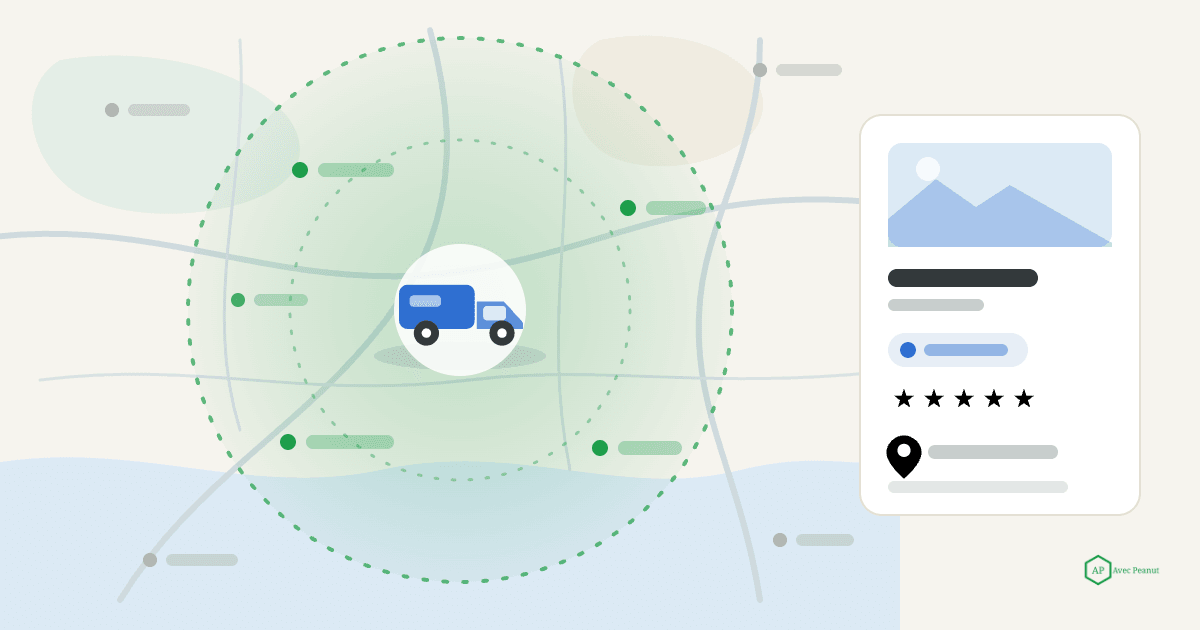
A service-area business (SAB) is one that serves customers at their location rather than at yours. You travel to the job — a driveway, a rooftop, a basement — instead of the customer coming to a shop or office. Google has a specific profile setup for exactly this, and it changes two things: it lets you list the areas you serve instead of a single storefront, and it lets you hide your street address so your business still appears in local results without publishing where you park your truck.
Nearly every home service business is a service-area business. If you don't have a location customers visit, this is you.
Takeaway: A service-area business serves customers at their location, lists service areas instead of a storefront, and can hide its address. If customers don't come to you, this is your setup.
Storefront vs. service-area: which one are you?
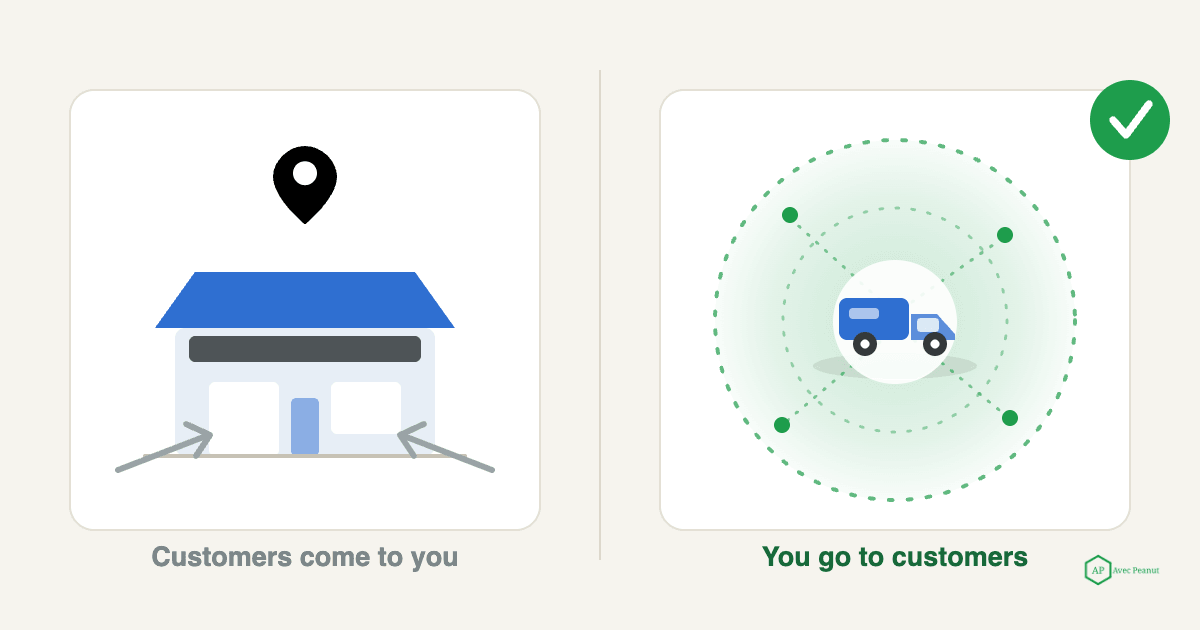
Google supports three setups: a storefront (customers visit you), a service-area business (you visit them), or a hybrid (both - e.g. a shop that also does house calls).
Picking the right one is the foundation everything else sits on.
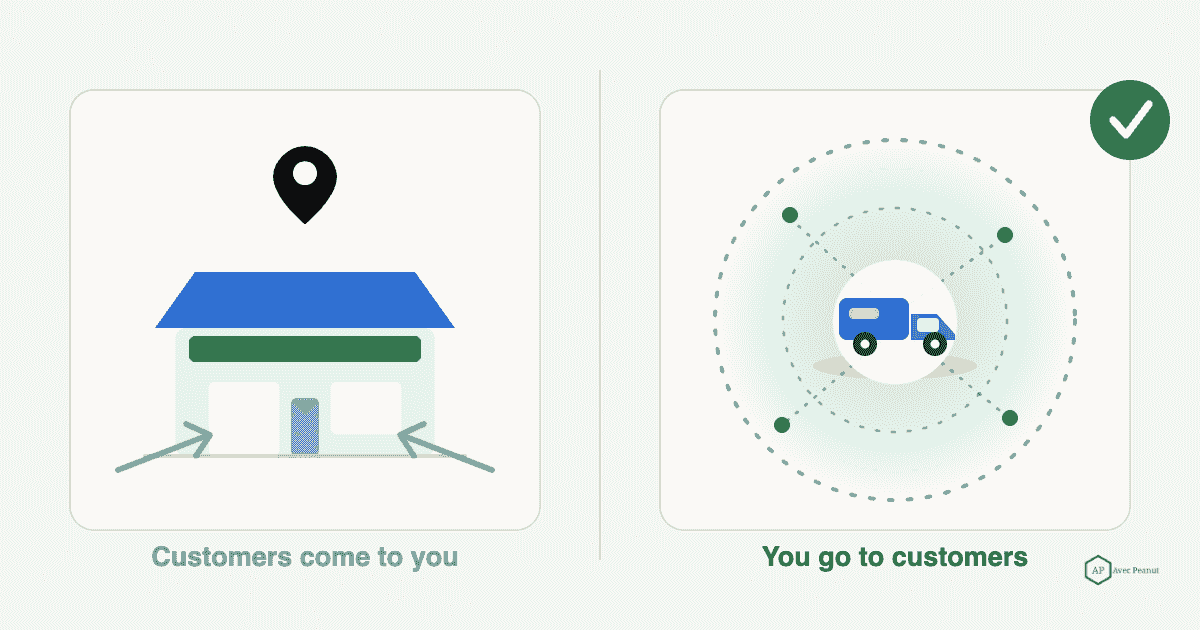
- Storefront — a retail shop, a restaurant, a walk-in office. The address is public and the map pin is the whole point.
- Service-area business — a tree service, roofer, HVAC or plumbing company working out of a truck or a home base customers never visit. Address hidden, service areas listed.
- Hybrid — you have a real, staffed location customers can visit and you go to jobs (e.g., an HVAC company with a showroom). Address shown, service areas also listed.
Most home service owners are pure service-area. The trap is leaving the profile as a storefront with your home or a P.O. box showing — which sends Google mixed signals and exposes an address you probably don't want public.
Takeaway: If customers never come to you, you're a service-area business. Only choose hybrid if you have a genuine, staffed location people actually visit.
Should you hide your address? (Usually, yes)
For a true service-area business, yes — hide it. This is Google's own guidance: if you don't serve customers at your address, you should not display it. Two reasons it matters.
First, privacy and safety. Many home service owners run from home. Publishing your home address puts it on the map for anyone, and it's simply not information customers need to hire you.
Second — and this surprises people — hiding your address doesn't hurt your ranking. A hidden-address service-area business can rank in the map pack just fine. What Google still uses behind the scenes is your business's location (you enter it during setup; it's just not shown publicly), so your proximity to searchers still counts. You lose nothing by hiding it, and you avoid the guideline problem of showing an address that isn't a real customer-facing location.
The one exception is the genuine hybrid: if customers do come to a staffed location, show that address.
Takeaway: True service-area business? Hide your address — Google recommends it, it protects your privacy, and it doesn't cost you ranking. Only show an address customers actually visit.
How to set your service areas the right way
Your service areas tell Google (and customers) where you work. You can list up to 20 areas - cities, counties, or ZIP-based regions - but "you can list 20" doesn't mean you should necessarily max it out.
Do this:
- Start with the towns you actually want jobs from, closest and most profitable first. Your real base of operations should anchor the list.
- Keep it realistic and tight. A focused set of nearby areas signals a genuine local business. Sprawling from your base across half the state makes you look thin everywhere and helps you rank nowhere — spreading your relevance too wide dilutes it.
- Match your areas to how customers search. Use the real town and county names locals type, not marketing regions.
- Don't confuse service areas with ranking radius. Listing a town as a service area does not guarantee you rank there — proximity still rules (next section). Service areas describe where you'll travel; they aren't a lever to appear everywhere.
Takeaway: List the nearby areas you genuinely serve, anchored on your base, tightest-and-most-wanted first. A focused list beats a bloated one every time.
Why you can't rank everywhere - and what to do about it
Here's the hard truth service-area businesses run into: you'll rank strongest near your registered location and weaker the farther out you go. Distance is one of Google's three local ranking factors (relevance, distance, prominence), and unlike a storefront you can't just "be closer" to a town 30 minutes away. Listing it as a service area doesn't override proximity.
So what actually helps you reach further?
- Build prominence — the factor you can control at distance. A steady flow of recent reviews, a complete and active profile, and citations/mentions across the web all push your reach outward. (Reviews are the biggest lever here — see our guide on how to get more Google reviews)
- Create location-relevant content on your website for the key towns you serve, so your organic pages can rank in the areas your map pin cannot reach.
- Be realistic — you likely won't dominate the map pack in every listed town. Win your core area decisively first, then extend.
Takeaway: You rank best near your base; distance you can't change. Grow your reach through prominence (reviews, activity, citations) and town-level website content — not by piling on service areas.
The mistakes that quietly bury service-area businesses
These are the setup errors that we see most often on home service profiles - each one costs visibility, and a couple cost you the whole profile.
- Showing a home address (or a P.O. box). Against Google's guidelines for a true SAB and a privacy risk. Hide it. P.O. boxes and virtual/UPS-store addresses are specifically not allowed as your location.
- Creating fake "locations" to rank in more towns. Making extra profiles for cities you don't have a real staffed presence in is a suspension risk, full stop. One real business, one profile.
- Setting an enormous service radius. "Everywhere within 60 miles" reads as low-relevance to Google and dilutes you. Keep it focused.
- Leaving it set up as a storefront. Default storefront setup with a hidden-or-not home address sends mixed signals. Explicitly set it as a service-area business.
- Mismatched name, address, and phone (NAP) across the web. Your business info should be identical everywhere — inconsistency erodes trust and rankings.
- Keyword-stuffing the business name (e.g., "ABC Tree Service Scranton Best Emergency"). Also a suspension risk — use your real name only.
Takeaway: Hide the address, keep one real profile, keep the radius focused, set the type correctly, and keep your NAP consistent. Most SAB visibility problems trace back to one of these.
After setup: what actually moves your ranking
Getting the service-area setup right removes the things holding you back — but the profile still has to be optimized and worked to climb. Once your type, address, and areas are correct, the same fundamentals apply: the right primary category, complete services and attributes, real photos, and a steady stream of reviews.
For the full section-by-section profile walkthrough, see how to optimize your Google Business Profile. For the complete picture of what drives local rankings beyond your profile, see how to rank higher on Google Maps.
And if you'd rather have your profile setup and optimized correctly the first time - without risking a suspension - request a free GBP audit. We'll check your setup, map where you show up across your service area, and tell you what to fix first.
Prefer to talk? Call 203-556-2263 or email kevin@avecpeanut.com
Frequently Asked Questions (FAQs)
What is a service-area business on Google?
A service-area business serves customers at their location rather than at yours. On Google Business Profile, it lets you list the areas you serve instead of a storefront and hide your street address — the standard setup for home service businesses that work out of a truck.
Does hiding my address hurt my Google ranking?
No. For a true service-area business, hiding your address is Google's own recommendation and does not lower your ranking. Google still uses the location you enter during setup to judge proximity — it's simply not shown to the public.
How many service areas should I list?
You can list up to 20, but focus beats breadth. List the nearby areas you genuinely serve, anchored on your base, most-wanted first. A tight, realistic list signals a genuine local business; a huge one dilutes your relevance.
Can I rank in every town I list as a service area?
Not necessarily. Listing a town as a service area tells Google you'll travel there, but proximity still governs where you actually rank. You'll rank strongest near your base and weaker farther out — extend your reach with reviews, an active profile, and town-level website content.
Can I use a P.O. box or a home address for a service-area business?
P.O. boxes and virtual/mailbox-store addresses aren't allowed as your business location. If you run from home, enter your real address during setup but hide it from public view — don't display a home or P.O. box address.
Should a business with a shop and house calls be storefront or service-area?
That's a hybrid. If customers can visit a real, staffed location and you also travel to jobs, show the address and list your service areas. Choose pure service-area only when customers never come to you.