How to Get More Google Reviews
Ask any home service owner what wins them jobs and "word of mouth" comes up fast. Google reviews are word of mouth at scale — they're the first thing a homeowner reads before they call, and they're one of the biggest levers you have for showing up higher in Google Maps and the local 3-pack in the first place.
Here's the part most owners miss: reviews aren't just social proof, they're a ranking signal. Google leans on your reviews — how many, how recent, how you respond — to judge your prominence, one of its three local ranking factors. More good, recent reviews mean more visibility, which means more people see you, which means more reviews. It compounds.
The good news is that getting more of them isn't about luck or gimmicks. It's a simple, repeatable system: ask at the right moment, make it effortless, respond to every one, and never break Google's rules. This guide walks through exactly that.
Table of Contents
- Why Google reviews matter more than you think
- The fastest way to get reviews: just ask -- at the right moment
- Make it effortless: your review link, QR code, and templates
- Build the ask into your normal workflow
- Respond to every review -- good and bad
- How to handle a negative review
- The rules: what will get your reviews (or profile) removed
- Keep it going: turn reviews into a habit
- FAQ
Why Google reviews matter more than you think
Reviews do three jobs at once. They build trust with the homeowner deciding between you and the next listing. They improve your ranking, because volume, recency, and your responses all feed Google's prominence signal. And they give you feedback on what your customers actually value.
Recency matters as much as volume. Fifty reviews from three years ago carry less weight — with Google and with customers — than a steady trickle of fresh ones. That's why this is a system you run continuously, not a one-time push. Reviews are the single biggest prominence lever you control; for the full picture of what drives local rankings, see our guide on how to rank higher on Google Maps.
Takeaway: More recent reviews = more trust and more visibility. Treat them as an ongoing habit, not a project.
The fastest way to get reviews: just ask -- at the right moment
The number one reason businesses don't have more reviews is simple: they don't ask. Most happy customers are glad to leave one — they just never think to, and you never prompt them.
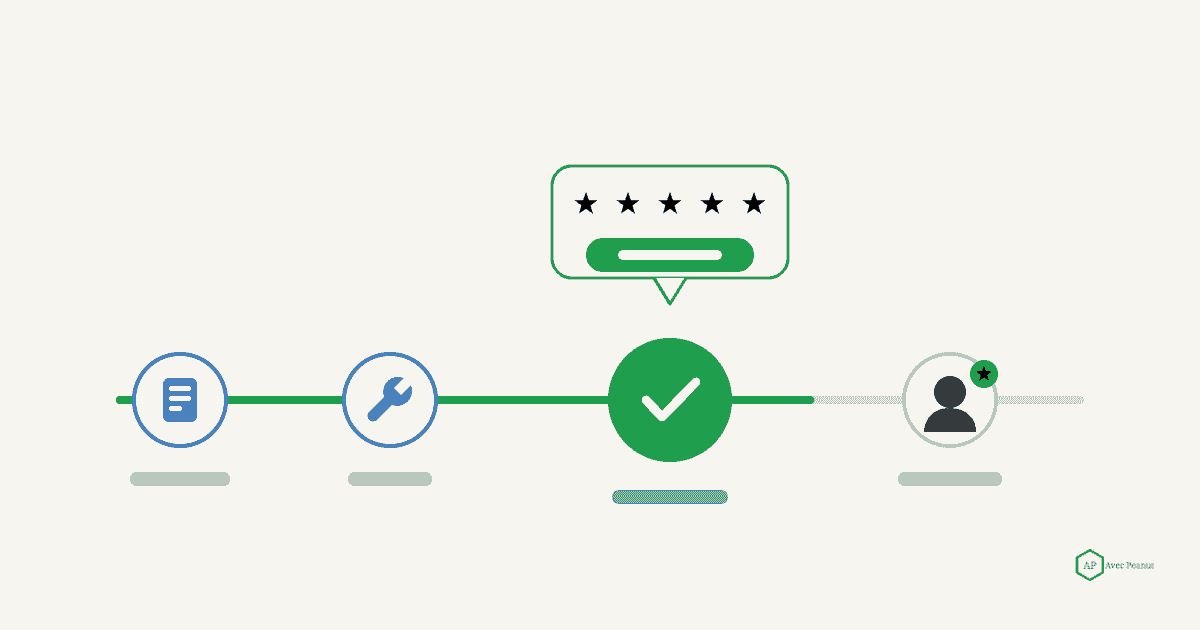
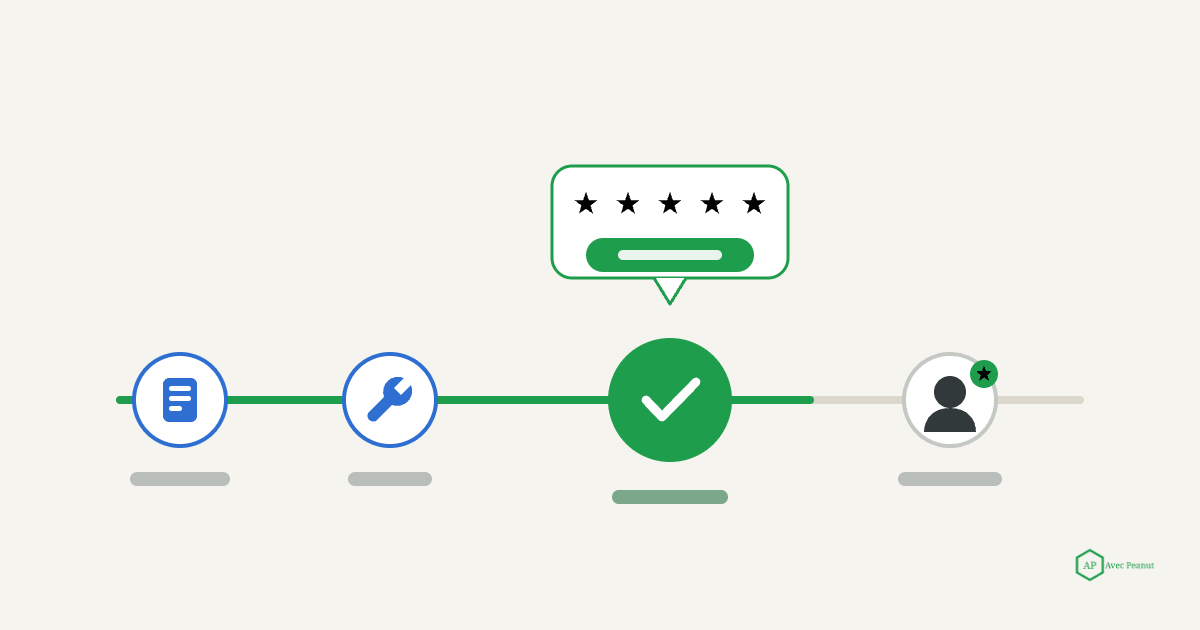
Timing is everything. The best moment is right after the job is done and the customer is visibly happy — the driveway's clear, the leak's fixed, the roof looks great. That's when the goodwill is highest and the work is fresh in their mind. Wait a week and the moment's gone.
Do this: Make the in-person ask part of wrapping up every job. Keep it natural and human: "I'm really glad you're happy with how it turned out. We're a local business and Google reviews make a huge difference for us — would you mind leaving us a quick one? I can text you the link right now." Then send it before you leave.
Takeaway: Ask every happy customer, in person, the moment the job is done — and hand them the link on the spot.
Make it effortless: your review link, QR code, and templates
Every extra step between "sure, I'll leave a review" and the review actually posting loses you customers. Your job is to remove all of them.
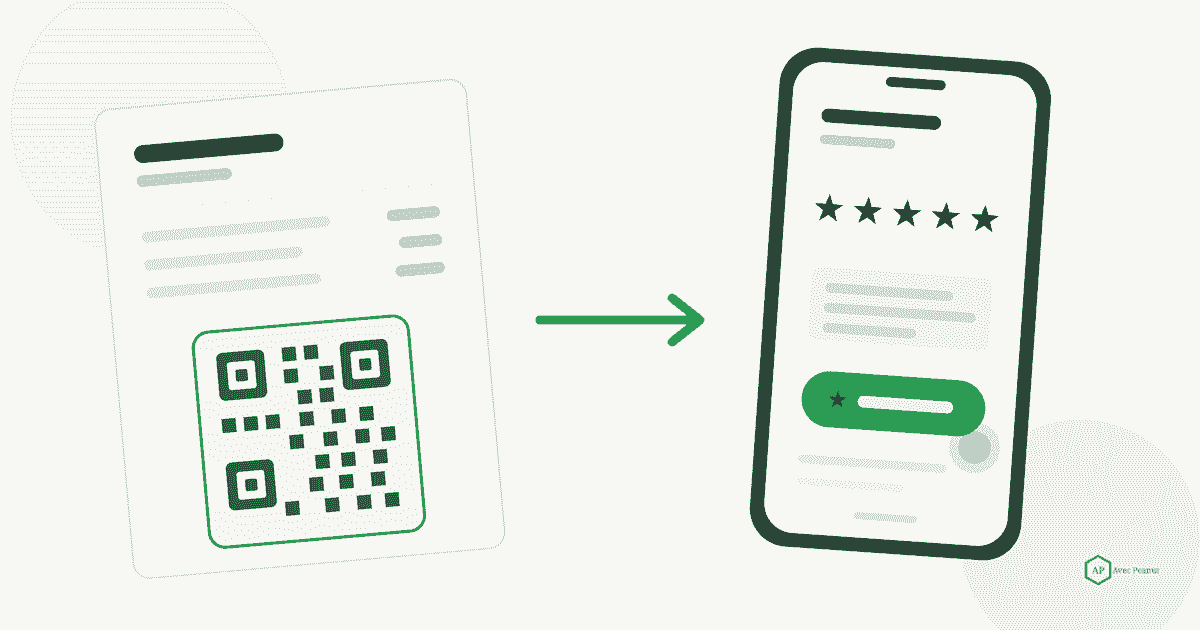
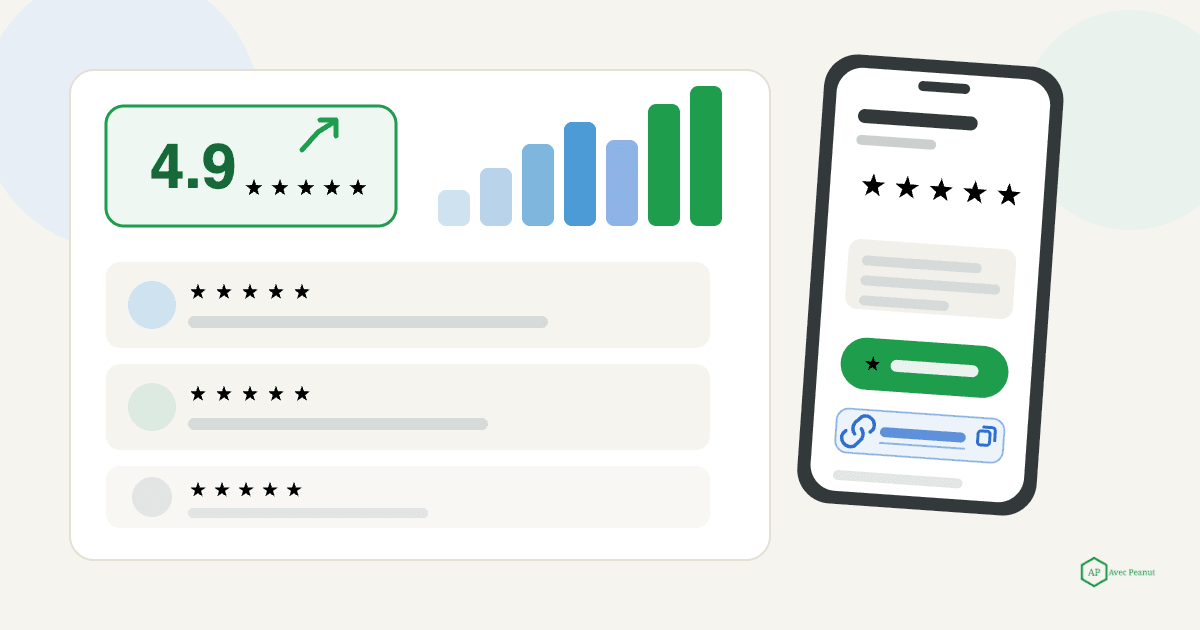
Get your direct review link. In your Google Business Profile, there's a "Get more reviews" option that gives you a short link taking customers straight to the review box — no searching, no scrolling. Grab it once and use it everywhere.
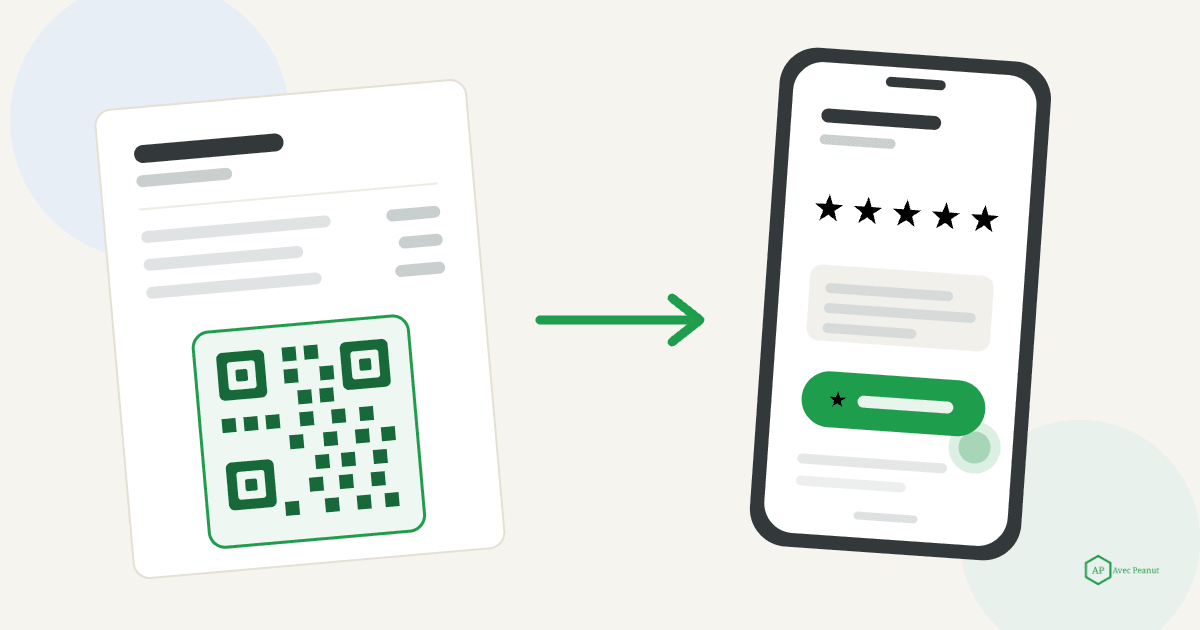
Turn it into a QR code. Free QR generators will turn that link into a code you can print on invoices, business cards, truck magnets, and job-completion door hangers. The customer scans, the review box opens.
Have your templates ready so asking takes ten seconds:
- Text message: "Thanks again for choosing [Business Name]! If you were happy with the work, a quick Google review really helps our small business: [review link]. Thank you! — [Your name]"
- Email follow-up: "Hi [Name], it was a pleasure helping with your [service] this week. If you have a moment, we'd be grateful for a short Google review — it helps other local homeowners find us: [review link]. Thanks so much."
- Leave-behind card: a printed card with the QR code and one line: "Happy with our work? Scan to leave us a Google review — it means the world to a local business."
Takeaway: One direct link, one QR code, and ready-made templates turn a good intention into a posted review.
Build your ask into your normal workflow
One-off asks fade. The businesses with the most reviews have baked the request into a step they already do every single job, so it never gets forgotten on a busy day.
Do this: Pick a trigger that already happens and attach the ask to it. A few that work well for home service:
- Job completion: the in-person ask plus an immediate text with the link.
- Invoice sent: add the review link and a one-line request to every invoice and paid receipt.
- Next-day follow-up: a short "thanks again" text or email the day after, with the link — great for customers who were rushed at the end of the job.
Pick one or two and do them consistently. A predictable trickle beats an occasional blast.
Takeaway: Attach the ask to something you already do every job, so it runs on autopilot.
Respond to every review -- good and bad
Responding isn't just good manners -- Google explicitly encourages it, and an engaged profile signals an active, trusted business. Replies also show every future reader that you're present and you care.
For positive reviews: thank them, be specific, and naturally mention the service and town when it fits ("Thanks, James -- glad we could get that maple safely removed before the storm. We appreciate your trusting a local White Plains crew."). That natural mention is a small, honest relevance bonus -- never stuff keywords.
For every review: respond promptly. A same-week reply is the gold standard.
Takeaway: Reply to all reviews, promptly and specifically. Engagement builds trust and signals an active business.
How to handle a negative review
A negative review isn't the end of the world — how you respond to it is what future customers actually judge. A calm, professional reply to a tough review can win you more trust than a wall of perfect fives.
Do this: Respond quickly, stay calm, and never argue. Acknowledge the concern, take it offline, and show you want to make it right: "I'm sorry your experience didn't meet expectations, [Name]. That's not the standard we hold ourselves to. I'd like to make this right — please give me a call at 203-556-2263 so we can sort it out." Keep it short and human; everyone reading can see who's being reasonable.
If a review is fake, from a non-customer, or violates Google's policies, you can flag it for removal — but you can't have a review taken down just for being negative. Your best defense against the occasional bad one is a steady stream of genuine good ones drowning it out.
Takeaway: Reply calmly, take it offline, and make it right. A gracious response to a bad review builds trust; a flood of real reviews outweighs it.
The rules: what will get your reviews (or your Google Business Profile) removed
This is where well-meaning businesses get themselves in trouble. Google's policies are strict, and breaking them can wipe your reviews or suspend your entire profile.
Stay on the right side of all of these:
- Never pay for reviews or offer incentives. Discounts, gift cards, entry into a raffle, "free" anything in exchange for a review — all against Google's policy, whether the review is positive or not.
- Never "gate" reviews. Don't screen customers first and only send the happy ones to Google (e.g., "click here if you'd rate us 5 stars, otherwise tell us privately"). Review gating violates Google's rules. Ask everyone.
- Don't buy fake reviews or review swaps. They're often detected and removed, they erode trust, and they put your profile at risk.
- Don't ask in bulk at a kiosk or from a single device/IP. A pile of reviews from the same location can get filtered as suspicious. Let customers review from their own phones, in their own time.
- Don't review your own business or have employees post as customers.
The through-line: earn genuine reviews from real customers and make it easy — never manufacture them.
Takeaway: No incentives, no gating, no fakes. Genuine reviews, made easy, are the only strategy that's safe and works.
Keep it going: turn reviews into a habit
Reviews follow the "steady beats sporadic" rule. Aiming for a handful of fresh reviews every month does more for your ranking and reputation than fifty in one week and then silence.
Do this: Set a simple, visible target (say, a few new reviews a week), make the ask a standard step on every job, and glance at your review count monthly so it stays top of mind. That's the whole system — asking consistently is 90% of the game.
Takeaway: A small, steady monthly flow of genuine reviews compounds into real ranking and reputation gains over time.
If you'd rather have the whole review-generation and profile system handled for you, request a free GBP audit -- we'll show you where your profile stands out and what to prioritize first.
Prefer to talk? Call 203-556-2263 or email Kevin@avecpeanut.com
Frequently Asked Questions (FAQs)
How do I get my Google review link?
In your Google Business Profile, use the "Get more reviews" option (or "Ask for reviews") to copy your short review link. It takes customers straight to the review box. Grab it once and reuse it in texts, emails, invoices, and a QR code.
Can I offer a discount or gift card for leaving a review?
No. Offering any incentive for reviews violates Google's policies and can get your reviews removed or your profile penalized — even if you don't specify that the review has to be positive. Ask genuinely instead.
Is it against the rules to only ask happy customers?
Yes — that's called review gating, and Google prohibits it. You shouldn't screen customers and route only the happy ones to Google. Ask every customer; the good ones will outnumber the bad if your work is solid.
How many Google reviews do I need?
There's no magic number — what matters is being competitive in your area and keeping a steady flow of recent ones. Look at the top competitors in your local 3-pack; aim to match and then out-pace their volume and recency over time.
What should I do about a fake or unfair review?
If a review violates Google's policies (spam, fake, off-topic, from a non-customer), flag it for removal in your profile. You can't remove a review just for being negative, though — respond to it professionally, and let a steady stream of genuine reviews outweigh it.
How quickly should I respond to reviews?
Aim to reply within a few days. Prompt, specific responses to both positive and negative reviews signal an active, engaged business to customers and to Google.