

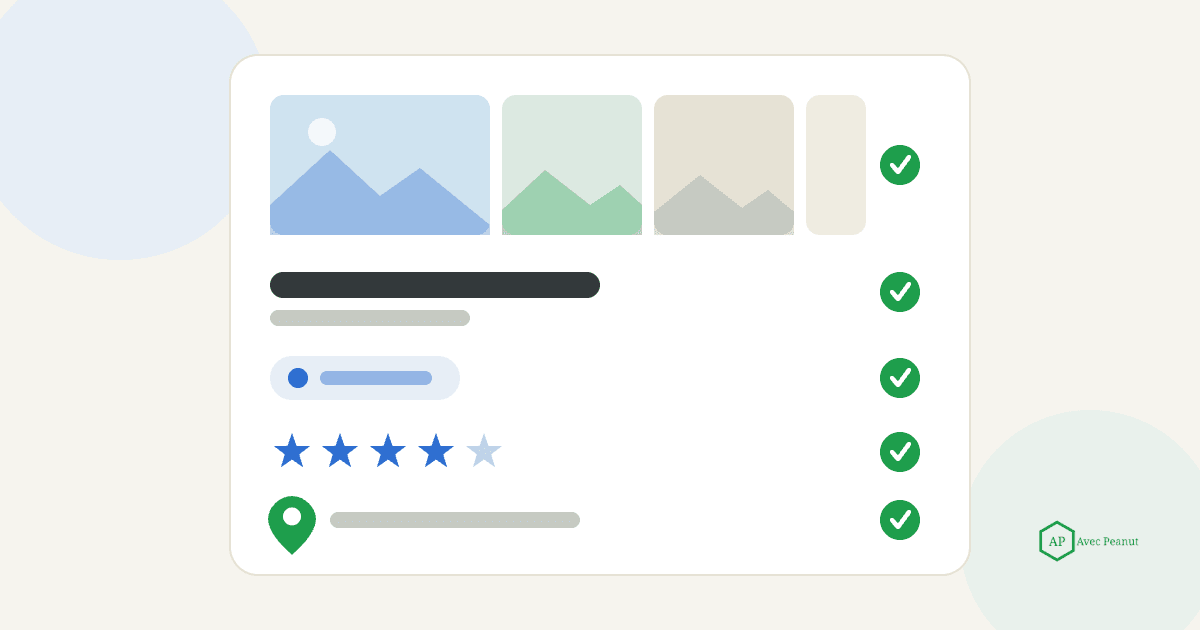
How to Optimize Your Google Business Profile
Your Google Business Profile is the single most valuable piece of free real estate your home service business has online. For a lot of owners, it drives more calls than the website does — because it's what shows up in Google Maps and the local "3-pack" exactly when a nearby homeowner is ready to hire.
The catch: most profiles are set up once and never touched again, leaving easy visibility on the table. This is a section-by-section walkthrough of how to optimize every part of your profile — 12 concrete steps, in order. Work through them once, keep the last one going, and grab the free checklist at the end so you (or your team) can repeat it for any location.
Table of Contents
- First, know what you're optimizing for
- Step 1: Claim and verify your profile
- Step 2: Use your exact, real business name
- Step 3: Choose the right primary category
- Step 4: Add every service - with description
- Step 5: Write a keyword-smart business description
- Step 6: Set your service areas correctly
- Step 7: Complete hours, attributes, and contact info
- Step 8: Add real photos - and keep adding
- Step 9: Use the Q&A section to proactively
- Step 10: Build and respond to reviews
- Step 11: Post updates (with realistic expectations)
- Step 12: Keep it accurate and active
- Grab the free checklist
- FAQ
First, know what you are optimizing for
Every step below strengthens one of the three things Google uses to rank local results: relevance (how well your profile matches the searchers search terms), distance (how far away you are) and prominence (how known and trusted you are). You can't change distance, so optimization is really about maximizing relevance and prominence. Keep that lens as you go through these efforts.
Optimizing your profile is one of the biggest levers here - but it isn't the whole picture. For everything that influences and moves your local rankings, see our full guide on how to rank higher on Google Maps.
Takeaway: Optimization = making your profile more relevant and more prominent. Everything below here serves one of those.
Step 1: Claim and verify your profile
Nothing else matters until this is done. An unverified Google Business Profile will struggle to rank at all, and you cannot edit what you have not claimed.
Do this: Claim your Google Business Profile at google.com/business and complete verification (usually video or postcard). If a profile already exists that you did not create, claim it rather than creating a duplicate listing.
Takeaway: Claim and verify first - it is the key to everything else.
Step 2: Use your exact, real business name
Your business name field should be your actual business name - nothing more. Adding keywords like "Best Emergency Tree Service" violates Google's guidelines and can get your profile suspended.
Do this: Enter your name exactly as it appears on your signage and legal docs, and keep it identical everywhere else.
Takeaway: Real name only. Keyword-stuffing here risks your whole profile.
Step 3: Choose the right primary category
Your primary category is the strongest relevance lever on the entire GBP. It tells Google what you fundamentally are.
Do this: Pick the most specific category that matches your core money service (e.g. "tree service," "plumber," "roofing contractor.") Then add secondary categories for your other genuine services - but don't add categories for work you don't do.
Takeaway: Set the most specific primary category for your main service; add real secondaries only.
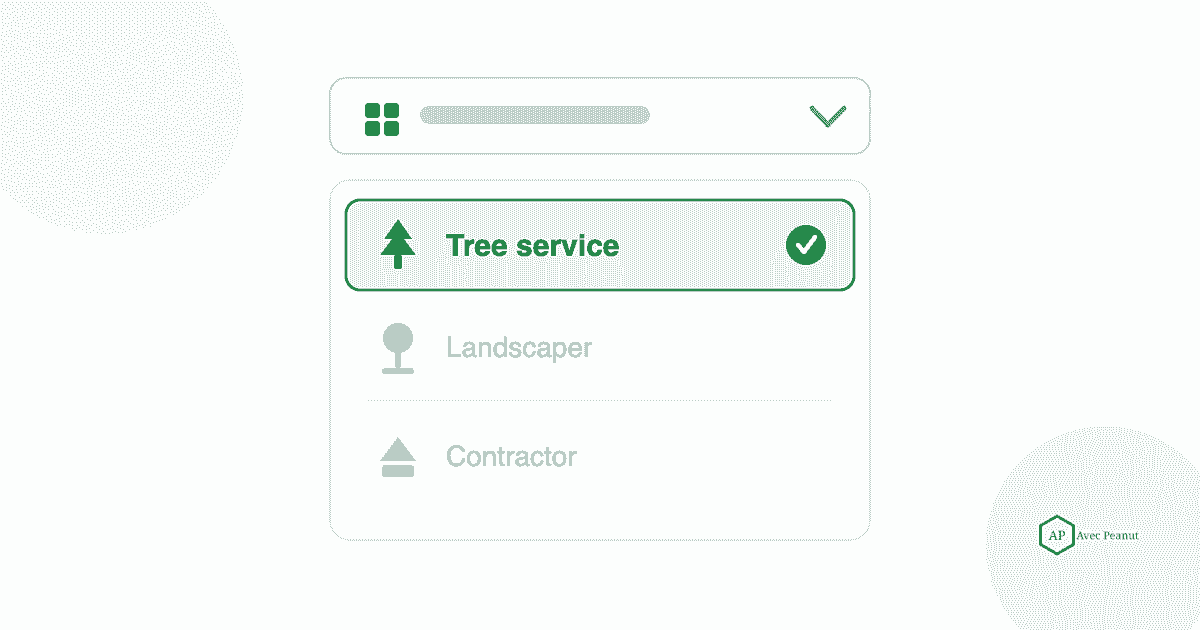
Step 4: Add every service - with descriptions
The services section is a relevance goldmine most businesses leave half-empty. Each service you list is another way to match a user's search terms.
Do this: Add every service you offer (tree removal, stump grinding, emergency service, etc.), and write a short, natural description for each that a real customer would understand.
Takeaway: List all of your services with clear descriptions - each one widens what you can show up for.
Step 5: Write a keyword-smart business description
Your description won't make or break rankings, but it helps relevance and it helps customers choose you. Lead with what you do, who you help, and where you do it.
Do this: Write a clear, honest description that naturally mentions your core services and service area. Skip the keyword salad - write for the homeowner (customer) first.
Takeaway: Describe what you do, for whom, and where - naturally, not stuffed.
Step 6: Set your service areas correctly
Home service businesses that travel should be set up as service-area businesses. Getting this wrong can drop you out of ranking in the towns you most want to service.
Do this: List the specific area you serve, prioritizing the nearby places you actually want jobs from. If you don't serve customers at your address, set your business as a service-area business (address hidden).
Takeaway: Correct service-area settings decide whether you appear beyond your own street.
Step 7: Complete hours, attributes, and contact info
Completeness is a relevance signal — Google favors profiles that are fully filled out. Gaps also cost you customers.
Do this: Set accurate hours (including special/holiday hours), fill in every relevant attribute (e.g., "emergency service," "locally owned"), and make sure your phone and website are correct and consistent.
Takeaway: Fill in everything — hours, attributes, contact info. Blanks cost visibility and trust.
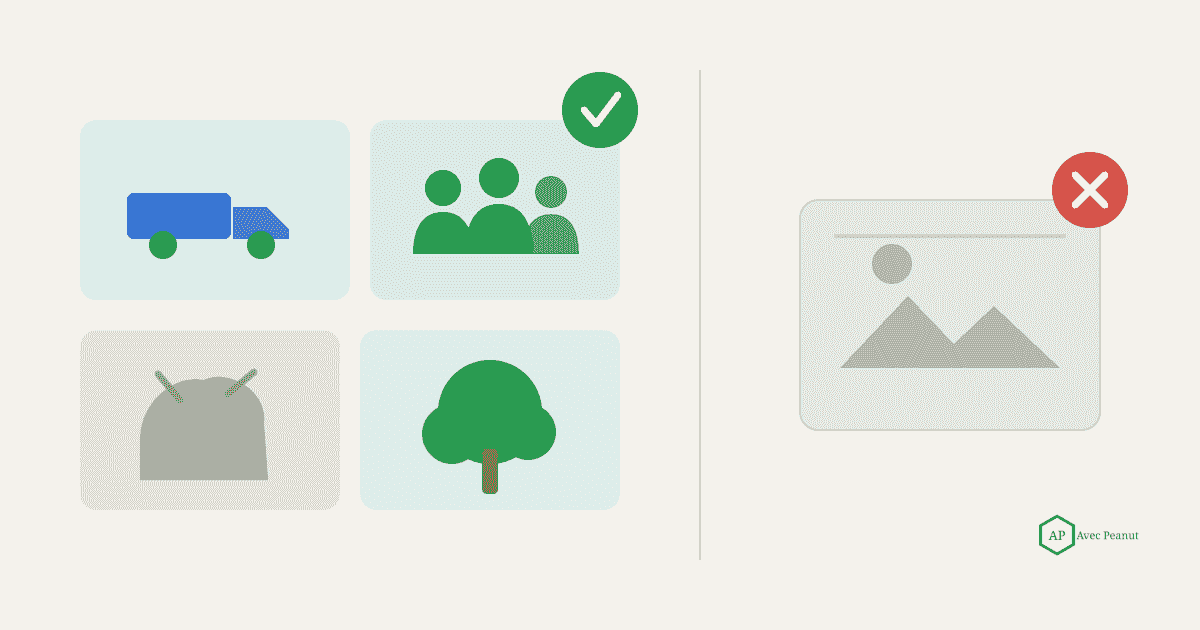
Step 8: Add real photos - and keep adding
Genuine photos help Google understand your business and give customers a reason to call you over the next listing. A steady stream beats a one-time upload.
Do this: Upload real before/after shots, crews, trucks, and finished jobs on a regular cadence (a few a week). Skip generic stock photos.
Takeaway: Real, regularly added photos signal an active, trustworthy business.
Step 9: Use the Q&A section proactively
The Q&A section is public — and anyone can answer, including people who get it wrong. Don't leave it to chance.
Do this: Seed it yourself. Post the questions customers actually ask ("Do you offer emergency service?" "What areas do you cover?") and answer them clearly. Monitor for new questions and respond fast.
Takeaway: Own your Q&A — seed the real questions and answer them before someone else does.
Step 10: Build and respond to reviews
Reviews are the biggest prominence lever you control, and recency counts as much as volume. Responding shows Google an active, engaged business.
Do this: Ask every happy customer for a review right after the job, with a direct review link. Respond to every review — thank the good ones, handle the tough ones calmly, and mention the service and town naturally when it fits.
Takeaway: A steady flow of recent reviews — each one answered — is your strongest ongoing lever.
Step 11: Post updates - with realistic expectations
Google Business Profile posts keep your profile active and can promote offers or seasonal services. Just don't expect posting alone to move rankings much — it's a minor, supporting signal.
Do this: Post occasionally about promotions, seasonal services, or completed projects. Keep it useful; don't burn hours chasing rankings through daily posts.
Takeaway: Post for freshness and promotions, not as a ranking hack.
Step 12: Keep it accurate and active
Optimization isn't one-and-done. Hours change, services evolve, competitors improve, and stale profiles slide.
Do this: Review your profile on a schedule (quarterly is a good rhythm) — update anything that's changed, add fresh photos and reviews, and re-check your categories and service areas.
Takeaway: Treat your profile as a living asset — a quarterly tune-up keeps your visibility from slipping.
Grab the Free Checklist
Want to run through all of this without missing a step - or hand it to your team for every location? Download our free Google Business Profile Optimization Checklist: every step above as a simple, printable checkbox list.
And if you'd rather see exactly where your profile is costing you visibility across your service area, request a free GBP audit - we'll map where you show up, where you don't, and what to fix.
Frequently Asked Questions (FAQs)
How long does it take to optimize a Google Business Profile?
The core optimization (steps 1-9) can usually be done in a few focused hours. The ongoing parts - reviews, photos, and quarterly upkeep - are habits, not one time tasks.
Does optimizing my Google Business Profile actually help me rank?
Yes. Your profile drives your relevance and much of your prominence, which are two of Google's three local ranking factors. A complete, well-categorized, well-reviewed profile is one of the highest-leverage things you can do.
What's the most important part of a Google Business Profile?
Your primary category (relevance) and your reviews (prominence) do the heaviest lifting. If you only fix two things, fix those.
Can I optimize my profile myself, or do I need help?
You can absolutely do the basics yourself with a checklist like ours. Businesses bring in help when they're in a competitive market or want the ongoing work handled for them.
How often should I update my Google Business Profile?
Add photos and gather reviews continuously, and do a full review of the profile roughly every quarter - or any time your hours, services, or service areas change.

