Why Isn't My Business Showing Up on Google Maps?
Here's the uncomfortable truth most guides won't lead with: the fact that you can't find your business on Google Maps means almost nothing. You search from your shop, on your own Wi-Fi, having clicked your own profile a hundred times — that's the least reliable seat in the house. The real question isn't "can I see myself?" It's "can a customer three towns over see me when they need me?"
That distinction matters, because the fixes are completely different. Some businesses are genuinely invisible — unverified, miscategorized, or suspended. Others rank fine; the owner is just looking from the wrong place or expecting the top three every time. Below are the nine most common reasons a business doesn't show up on Google Maps, roughly in the order we see them, and exactly how to check and fix each one.
Table of Contents
- First: are you actually invisible, or just looking from the wrong spot?
- The 3 things Google is actually weighing
- 1. Your profile isn't verified (or was never claimed)
- 2. You picked the wrong primary category
- 3. Your profile is incomplete
- 4. You're too far from the searcher
- 5. You're not invisible - you're just below the 3-pack
- 6. Your name, address, and phone don't match across the web
- 7. You're a service-area business with the wrong settings
- 8. Not enough reviews (or prominence) to compete
- 9. You've been suspended, filtered, or flagged as a duplicate
- How to see where you ACTUALLY rank
- FAQ
First: are you actually invisible, or just looking from the wrong spot?
Before you change anything, run one clean test. Don't search from your office. Open Google in an incognito window, make sure you're not signed in, and search your main service plus a nearby town — for example, "tree removal in [nearby town]." Better yet, ask a friend across town to search and screenshot what they see.
Why this matters: Google personalizes Maps results heavily by location and history. Your own device is biased toward you. If your friend across town finds you but you don't, you were never missing — you were just standing too close.
Takeaway: Confirm the problem from a neutral location before you touch your profile.
The 3 things Google is actually weighing
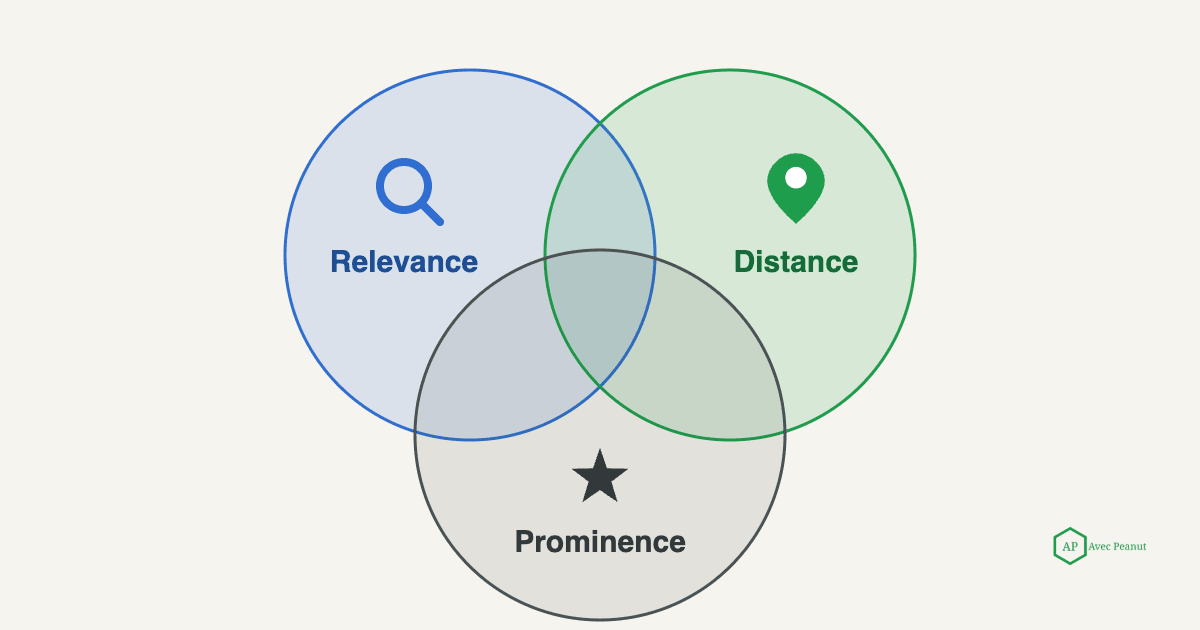
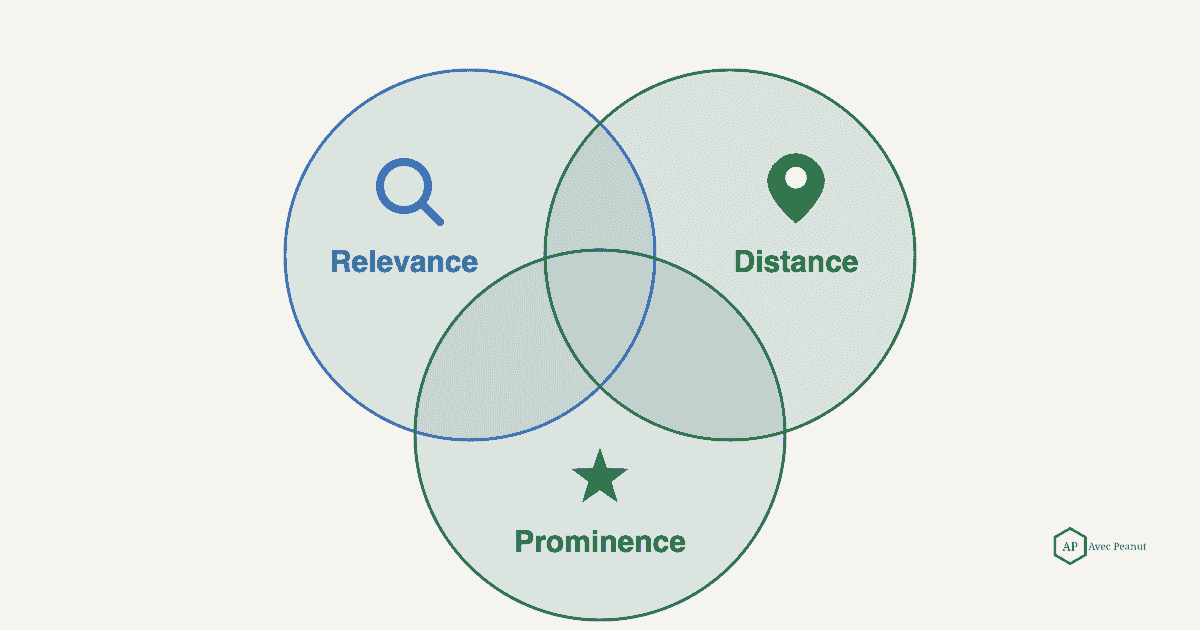
Google is refreshingly open about how local rankings work. Its own guidance names three factors: relevance, distance, and prominence.
- Relevance — how well your profile matches what the person searched. Driven by your categories, services, description, and website.
- Distance — how far you are from the searcher (or the area they searched).
- Prominence — how well-known and trusted you are, shaped heavily by reviews and links.
Almost every reason below maps back to one of these three. When you're not showing up, you're usually weak on relevance or prominence, or losing on distance for that particular search.
Takeaway: If a fix doesn't improve your relevance, distance, or prominence, it probably won't move your ranking.
#1 Your profile isn't verified (or was never claimed)
An unverified Business Profile often won't appear in Maps at all. Verification tells Google you're authorized to represent the business, and until that's done, your listing is on thin ice.
How to check: Search your business name directly. If you see a prompt to "Claim this business" or "Verify now," you're not verified. Fix: Claim the profile and complete verification (video or postcard, depending on what Google offers you).
Takeaway: No verification, no reliable visibility. This is step one.
#2 You picked the wrong primary category
Your primary category is one of the strongest relevance signals you control. A tree service listed under "Landscaper" will struggle to appear for "tree removal," no matter how good the work is.
How to check: Open your profile and look at your primary category. Fix: Set the most specific primary category that describes your core service (e.g., "Tree service"), then add secondary categories for the rest.
Takeaway: Match your primary category to the exact service you most want to be found for.
#3 Your profile is incomplete
Google is explicit that complete, accurate profiles are more likely to show up. Missing hours, no service list, no photos, a blank description, no service area — every gap is a relevance signal you're leaving on the table.
Fix: Fill out everything — services with descriptions, service areas, hours, attributes, and a steady stream of real photos. Treat "100% complete" as the floor, not the goal.
Takeaway: A half-finished profile competes like a half-finished profile.
If you'd rather have your profile built out and optimized properly instead of piecing it together, that's exactly what our Google Business Profile Optimization service does.
#4 You're too far from the searcher
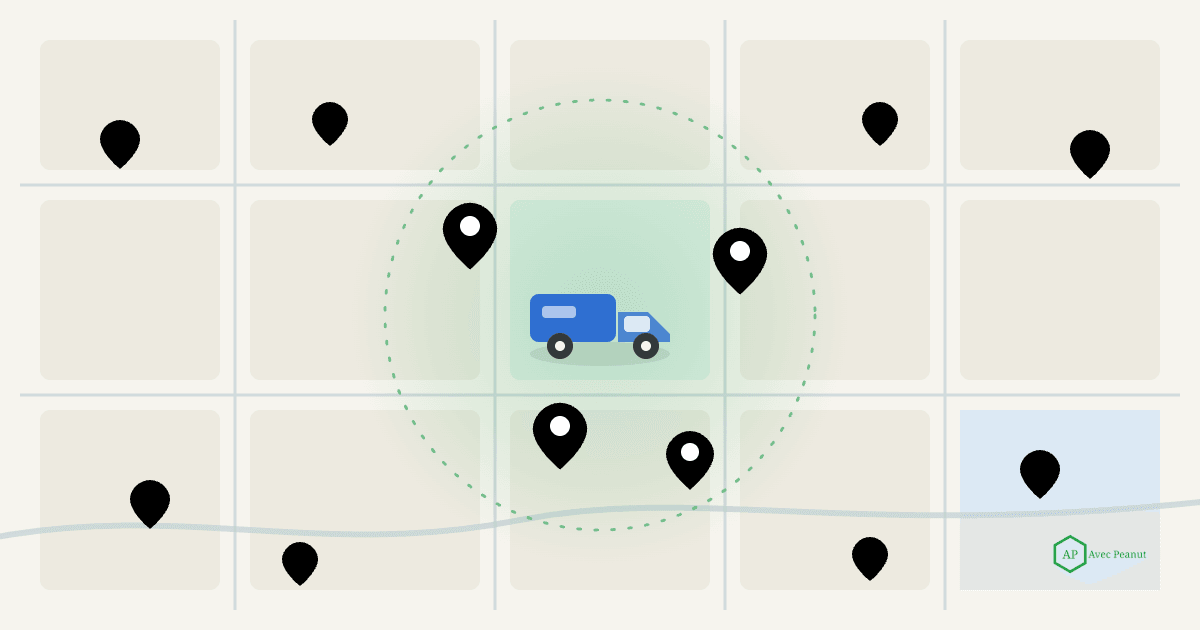
Distance is a ranking factor you can't fully beat. If competitors sit closer to the searcher, they have a built-in edge for that specific search — which is why you can dominate near your shop and vanish a few towns over.
Fix: You can't move, but you can strengthen relevance and prominence so you win more often at a distance — better categories, service-area content on your site, and more reviews. This is exactly where a service-area strategy earns its keep.
Takeaway: You won't win every distant search, but stronger relevance and prominence widen the radius where you show up.
#5 You're not invisible - you're just below the 3-pack
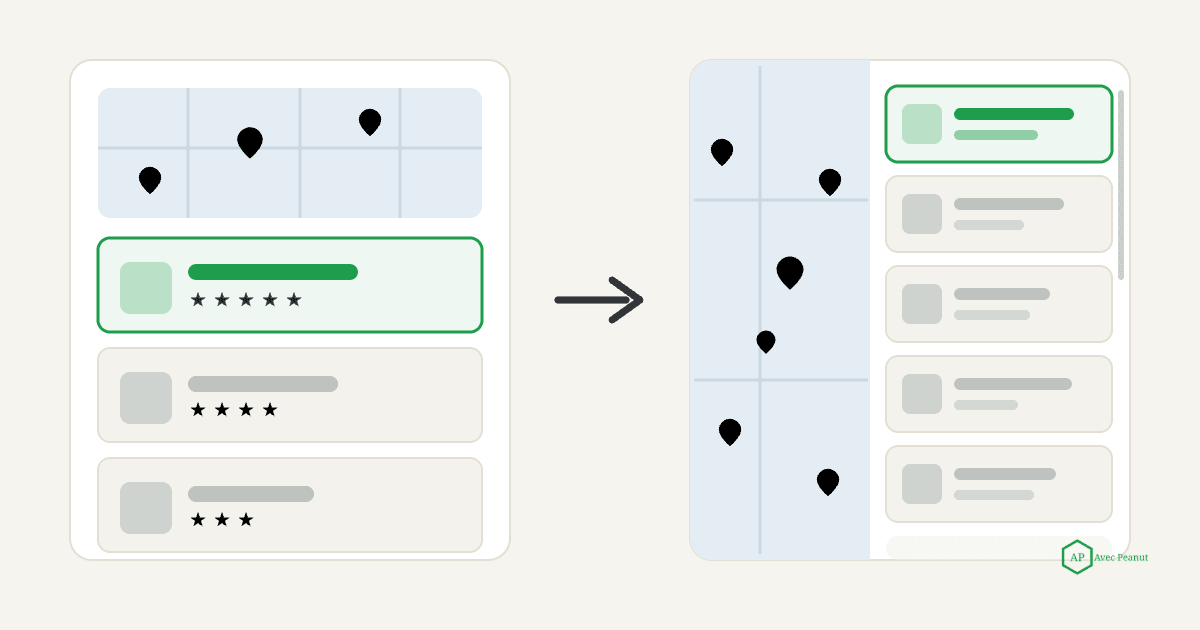
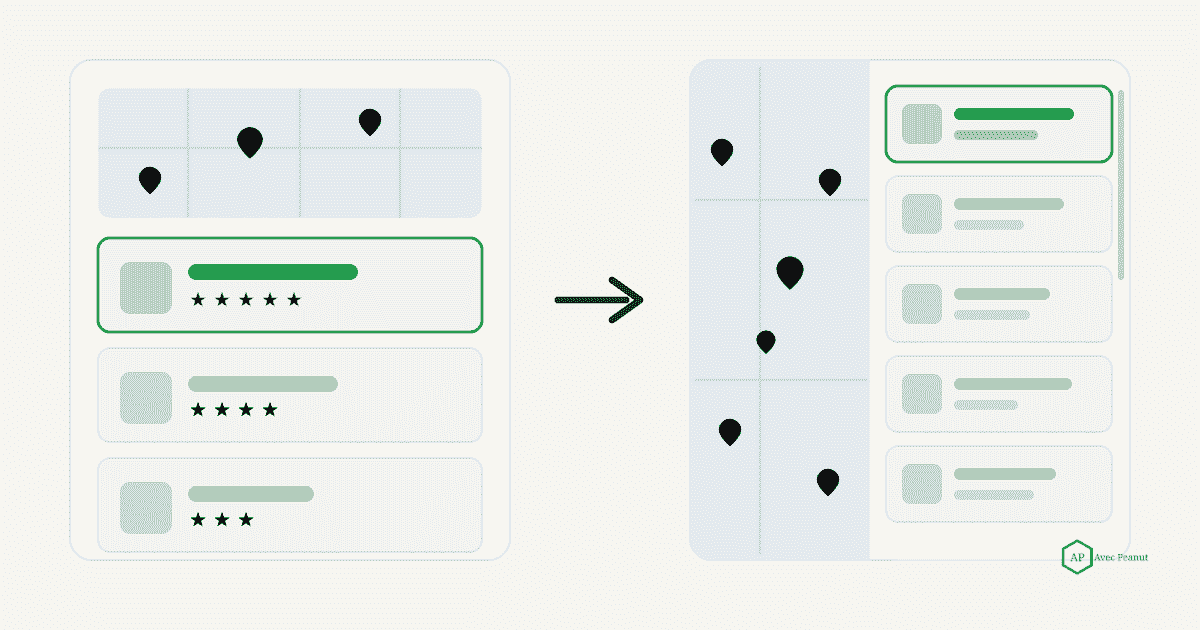
The compact "map pack" on the main search results page shows only three businesses. Not being in it doesn't mean you're mising - it means you didn't make the top three for that search, from that spot. Tap "More places" and you may be sitting at the #4 rank or the 17th ranked.
Fix: Reframe the goal. Instead of "am I in the 3-pack on my street," ask "across my service area, where am I in the top three and where do I fall off?" That's a map, not a yes/no.
Takeaway: Ranking #5 is a visibility problem to improve, not proof you're invisible.
#6 Your name, address, and phone don't match across the web
If your business name, address, and phone number (your "NAP") are inconsistent across your website, Facebook, directories, and old listings, you send Google mixed signals about who and where you are — which can suppress visibility.
Fix: Pick one exact format for your name, address, and phone, and make it identical everywhere. Clean up duplicate or outdated listings.
Takeaway: Consistency is a trust signal; inconsistency is a red flag.
#7 You're a service-area business with the wrong settings
Home service businesses that travel to customers (like tree services) should be set up as service-area businesses. If your address and service areas are configured wrong — or you're hiding an address you should show, or vice versa — you can quietly drop out of the areas you actually serve.
Fix: Confirm your service areas are set correctly and reflect where you really work. If you don't serve customers at your address, set it as a service-area business.
Takeaway: Wrong service-area settings make you invisible in the towns you want most.
#8 Not enough reviews (or prominence) to compete
Prominence is where a lot of good companies quietly lose. Reviews are one of its strongest signals — volume, recency, and rating all matter. If competitors have hundreds of recent reviews and you have nine from two years ago, they'll usually out-rank you even if your work is better.
Fix: Build a simple, consistent habit of asking happy customers for reviews, and respond to the ones you get. Steady recent reviews beat a big stale pile.
Takeaway: Reviews aren't just social proof — they directly influence whether you show up.
#9 You've been suspended, filtered, or flagged as a duplicate
If you disappeared suddenly, three culprits are worth checking: a suspension (often triggered by a big profile edit or a guideline issue), the duplicate-listing filter (a second listing for the same business can cause Google to hide one), or being filtered for policy reasons.
Fix: Check your profile status in your Google Business Profile dashboard. If suspended, don't panic-edit — review the guidelines, fix the likely cause, and request reinstatement. Merge or remove duplicate listings.
Takeaway: A sudden disappearance usually means a status problem, not a ranking problem — check status first.
How to see where you ACTUALLY rank
Here's the mindset that fixes most of this: asingle Google search only shows one snapshot, from one spot. Your visibility changes block by block across your service area. The only way to really know where you stand is to check your ranking from many points across the area you serve - which is what a service-area "grid" scan does.
That turns a frustrating "why can't I find myself?" into a useful map: green where you're strong, red where you're not, and a clear list of the neighborhoods worth fixing first. It's exactly the kind of visibility map we map in a free local SEO audit - see where you show up, where you don't, and what to fix first.
Takeaway: Stop checking one search. Map your whole service area, then fix the gaps in priority order.
Once you know why you're not showing up, the next step is fixing it - our full playbook is how to rank higher on Google Maps.
Frequently Asked Questions (FAQs)
Why can I see my business on Google Maps but my customers can't?
Google personalizes results by location and search history. Your own device is biased toward you, so you'll often see yourself when a customer across town won't. Always test from a neutral, signed-out location.
How long does it take to show up on Google Maps after creating a profile?
After verification it can take anywhere from a few days to a few weeks to appear consistently. Completing the profile fully and earning early reviews speeds things along.
Does posting on Google Business Profile help me rank?
Posts don't appear to be a strong direct ranking factor, but an active, complete, well-reviewed profile supports relevance and prominence over time — the things that do move rankings.
Why did my business suddenly disappear from Google Maps?
A sudden drop is usually a status issue — a suspension (often after a big profile edit) or a duplicate-listing conflict — rather than a slow ranking slide. Check your profile status first.
Can I pay Google to show up higher on Maps?
You can run Local Services Ads or Google Ads for paid placement, but the organic Maps results are earned through relevance, distance, and prominence — not payment.